24 Jun 2026
1 min read
Tips & Tricks
7 Ways to Compress Images Without Losing Quality
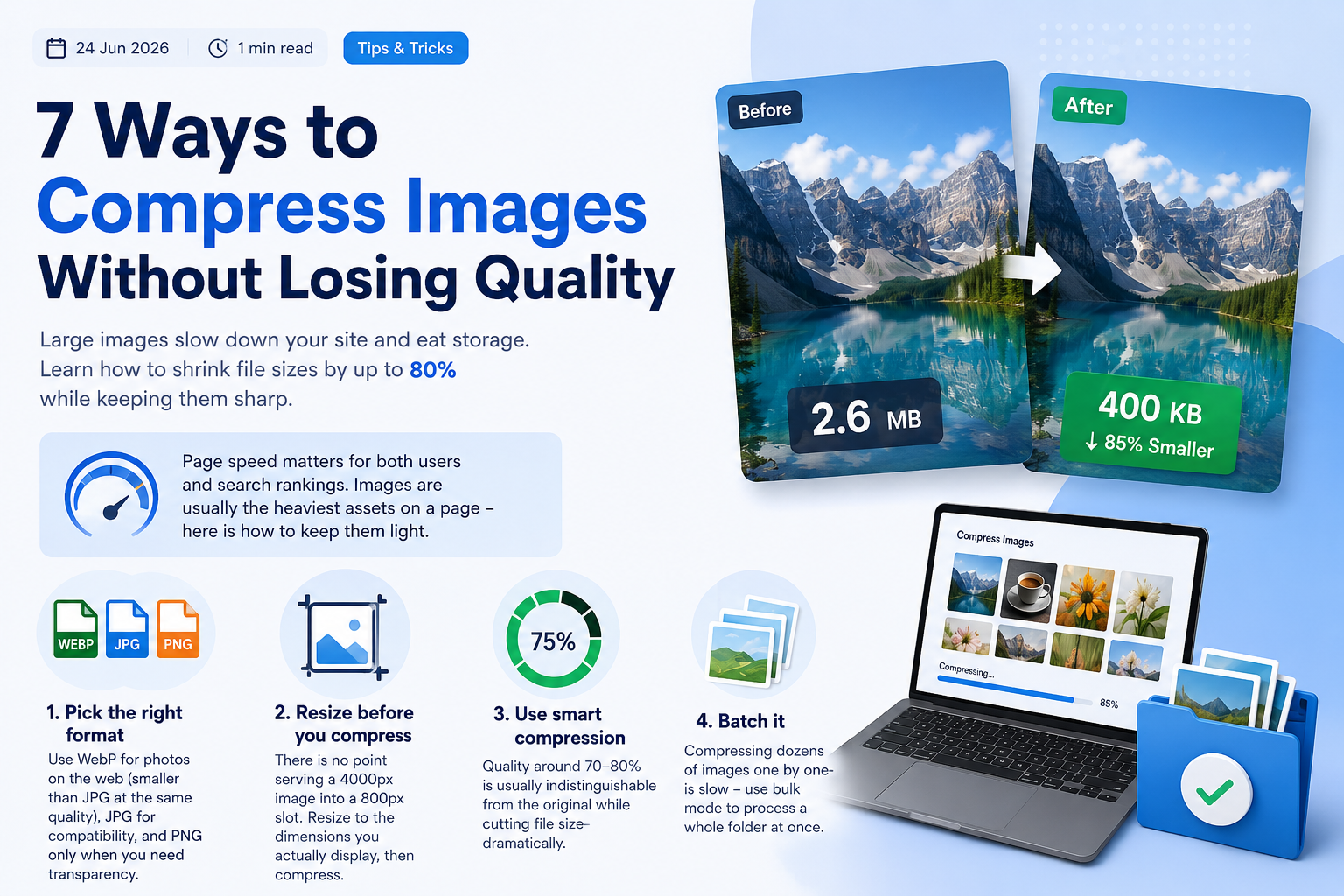
Large images slow down your site and eat storage. Learn how to shrink file sizes by up to 80% while keeping them sharp.
Page speed matters for both users and search rankings. Images are usually the heaviest assets on a page — here is how to keep them light.
1. Pick the right format
Use WebP for photos on the web (smaller than JPG at the same quality), JPG for compatibility, and PNG only when you need transparency.
2. Resize before you compress
There is no point serving a 4000px image into a 800px slot. Resize to the dimensions you actually display, then compress.
3. Use smart compression
Quality around 70–80% is usually indistinguishable from the original while cutting file size dramatically.
Batch it
Compressing dozens of images one by one is slow — use bulk mode to process a whole folder at once.
Administrator
Published 24 Jun 2026